









Projects
Found 11 Results
Page 1 of 1

1. Build the Base
Let’s go! Start by building the base of your Very Useful Monster—it’s the first step to bringing it to life!

2. Test the Fit of Your Makey:bit
Now it's time to make sure your Makey:bit feels right at home! Test how it fits into the base so it’s ready to power up your monster.
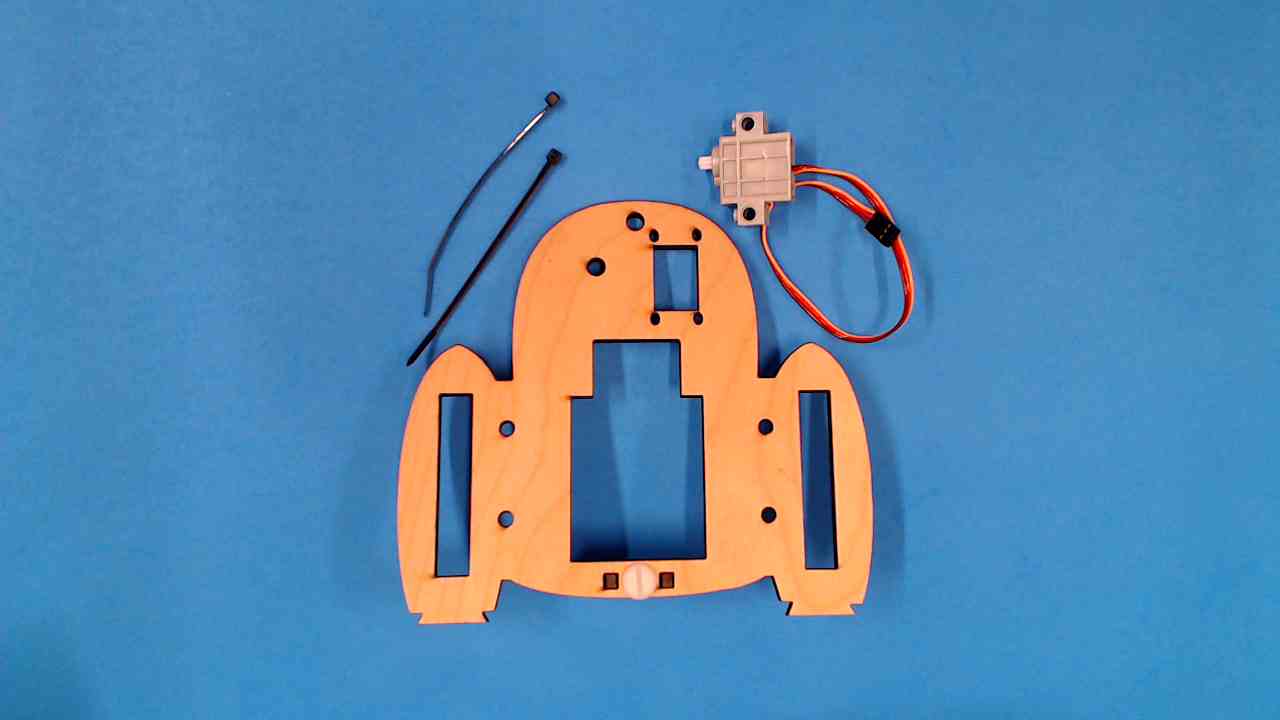
3. Install the 180 Degree Servo Motor
It’s time to prepare your monster for some moves! Snap in the servo motor so it can be programmed to wiggle, wave, or chomp!
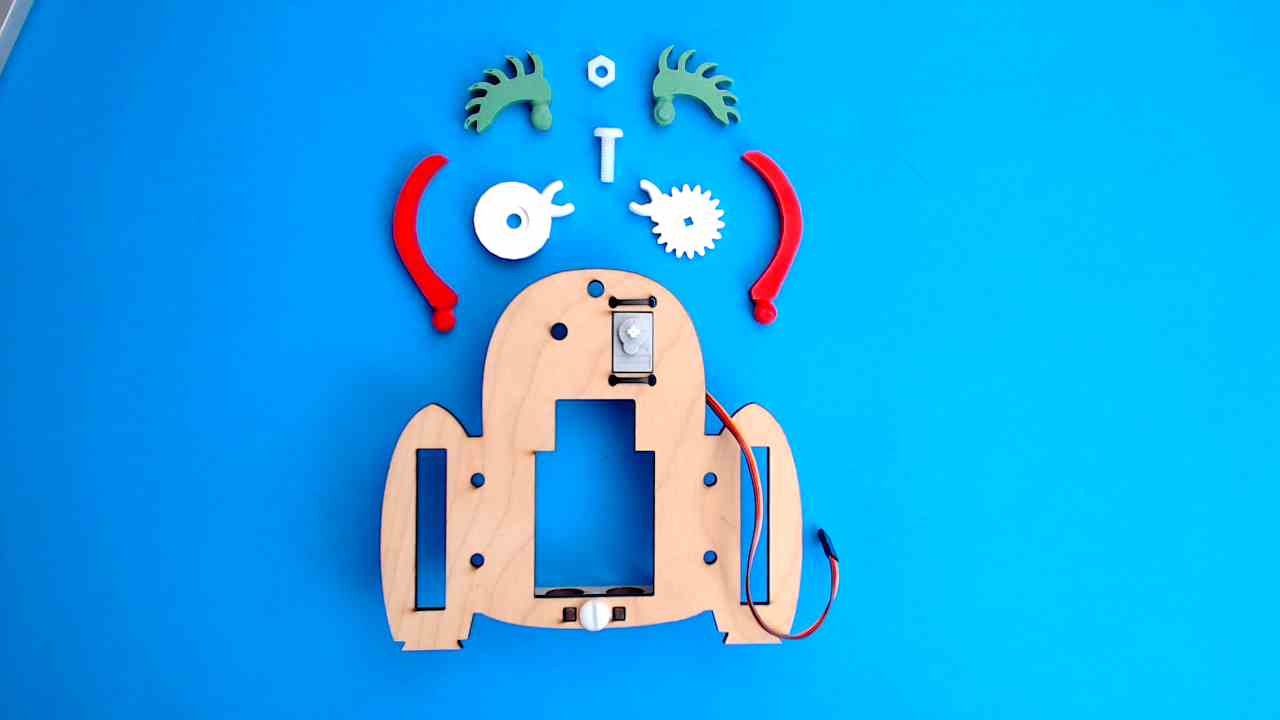
4. Install Eye Gears and Snap on Eyebrows
Give your monster some eye power! Snap on the gears and fun accessories to make it look extra cool and ready for action!
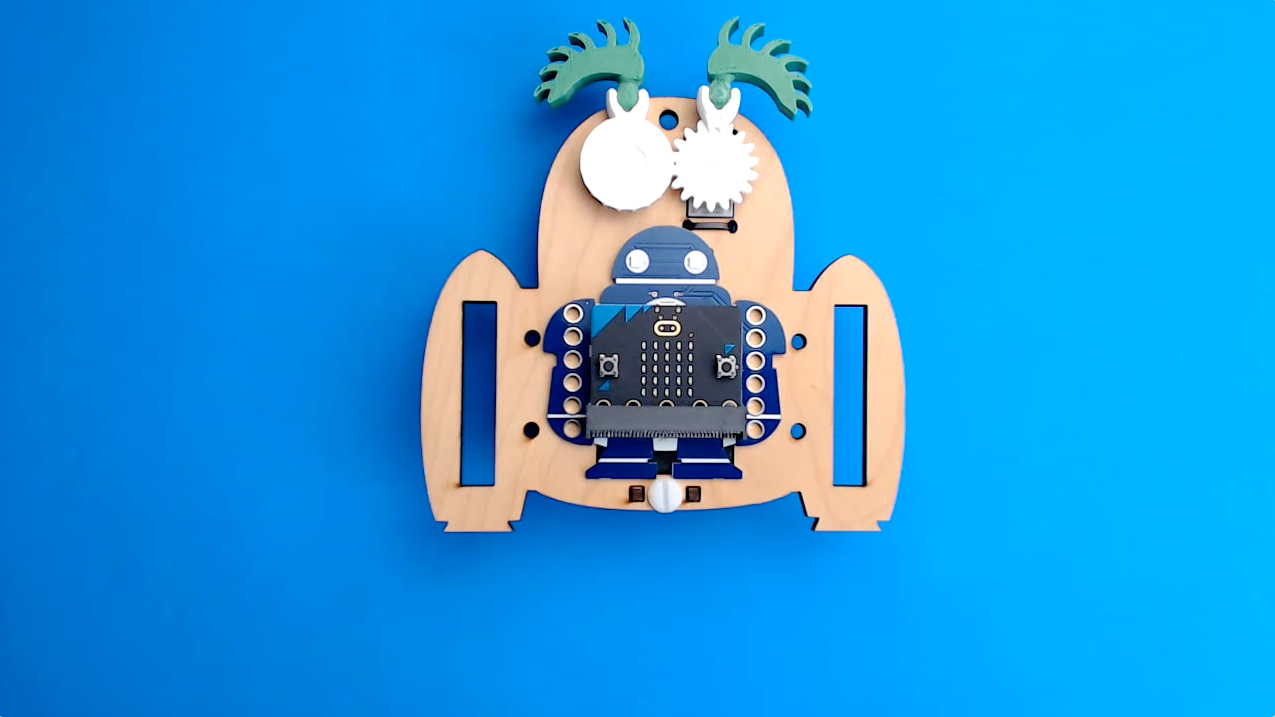
5. Install Makey:bit
You're almost ready to power up your monster. Let’s get your Makey:bit microcontroller plugged in and ready to go!
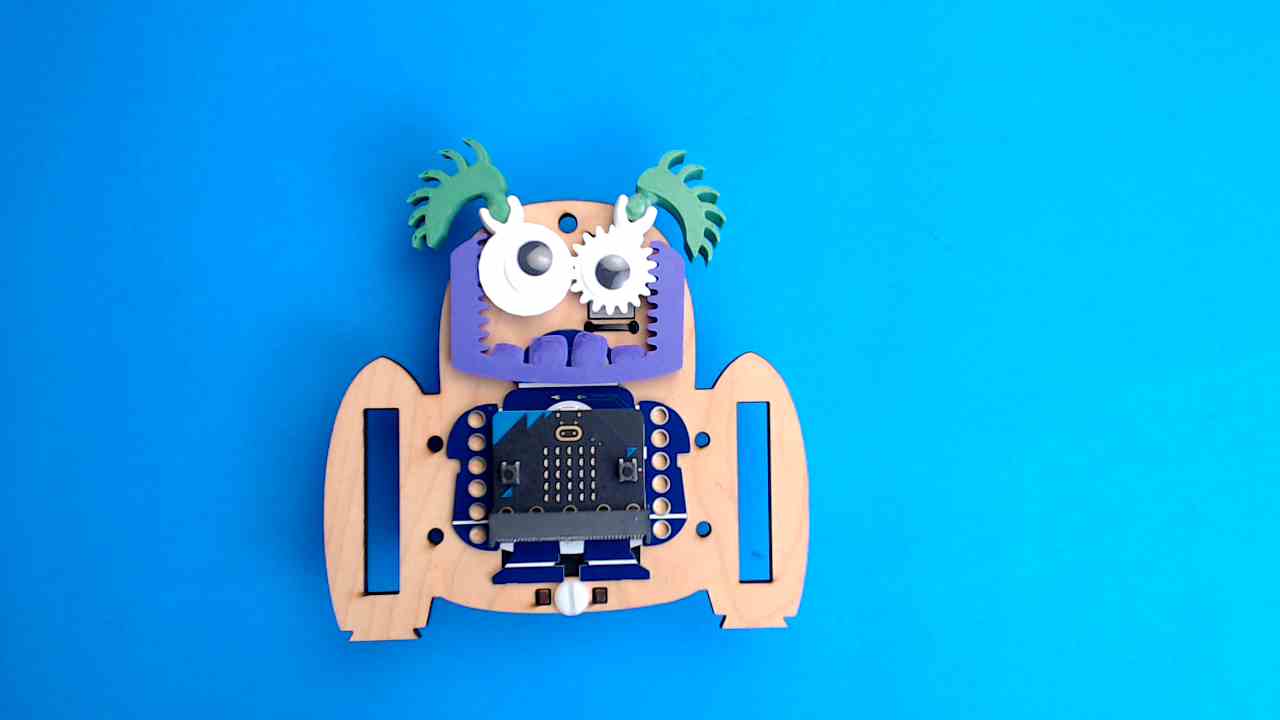
6. Add the Jaw and Googly Eyes
Time to give your monster some extra personality! Snap on the jaw so it can chomp, and add those googly eyes for maximum silliness.
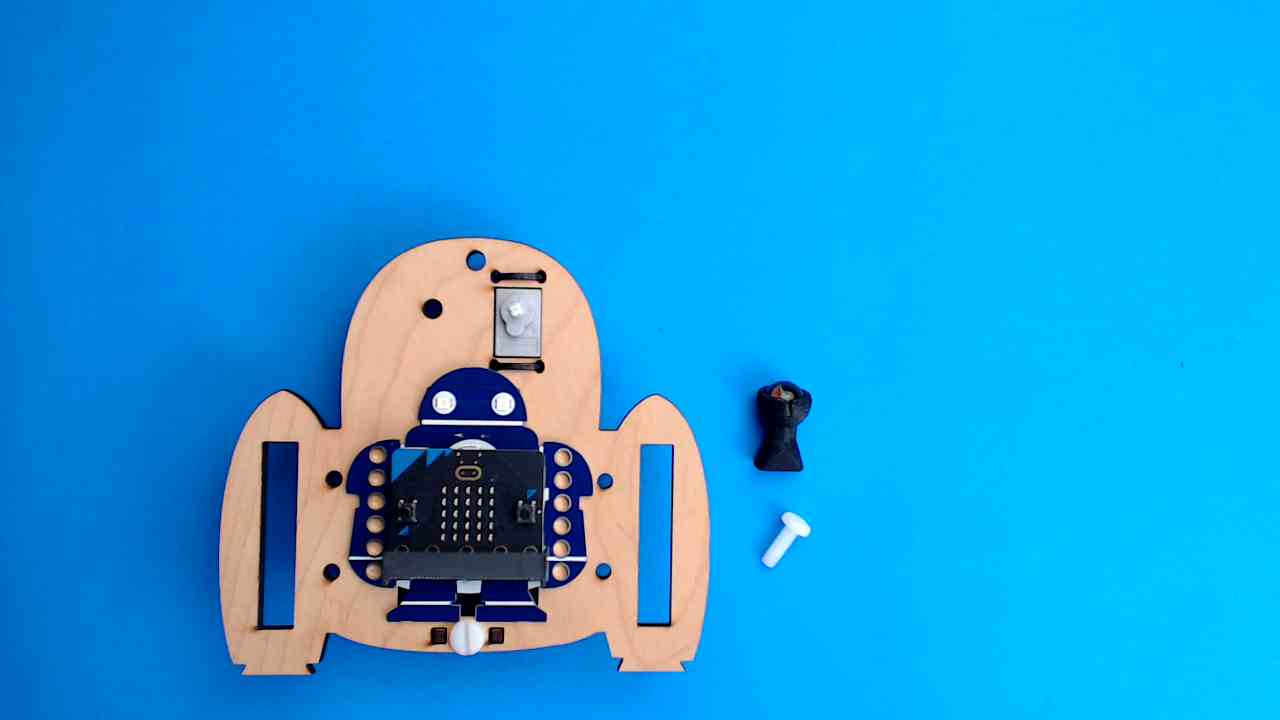
1. Install the Ball Roller
Before GrabbE can grab, it needs to roll! In this module, you’ll learn how to install the ball roller so it can glide around like a pro!
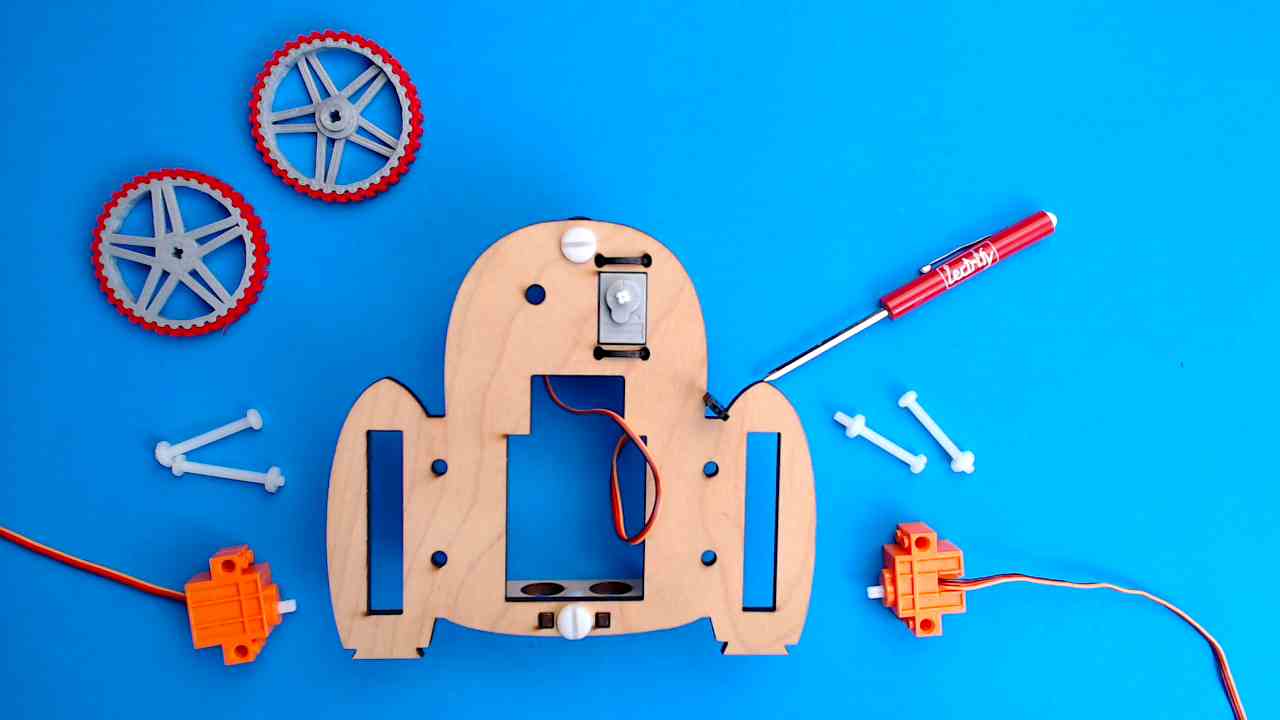
2. Install Side Wheels onto Grabbe’s Servo Motors
Get ready to roll! In this step, you’ll attach the servo motors that help GrabbE zoom, spin, and strut its stuff. Wheels on, power up!
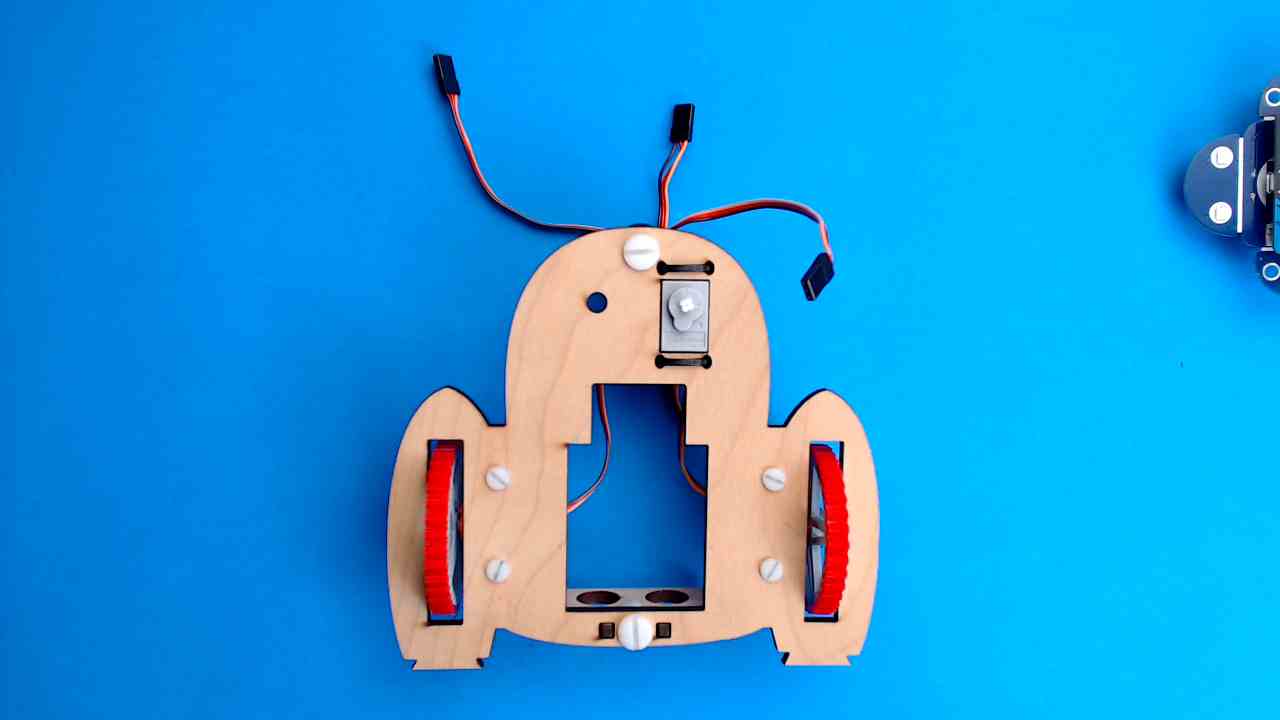
3. Install Side Wheels onto GrabbE
Screw in and secure your monster's wheels–it's almost ready to roll in style!

4. Install GrabbE’s Pinchers and Mouth
Time to give GrabbE some grab power! Attache the pinchers so your monster can grip, grab, and get to work. Let the pinching begin!
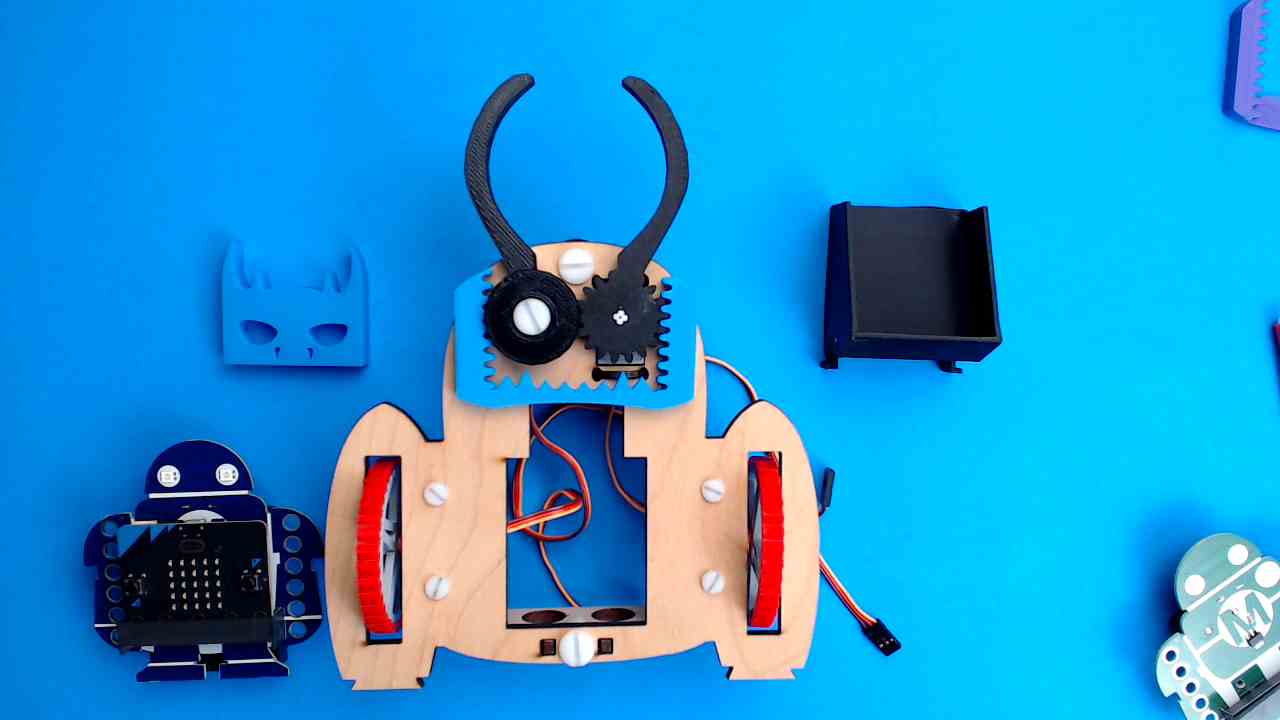
5. Add GrabbE’s Seat and Helmet
In this project, you’ll add a seat and helmet so GrabbE is ready for action and adventure! Let’s get this monster comfy, cool, and grab-ready!
